Excel Automation Visual
ERP Loan Collection Entry Excel Automation
Activity Type aur Excel data se ERP entry automation ko step-by-step samjhein.
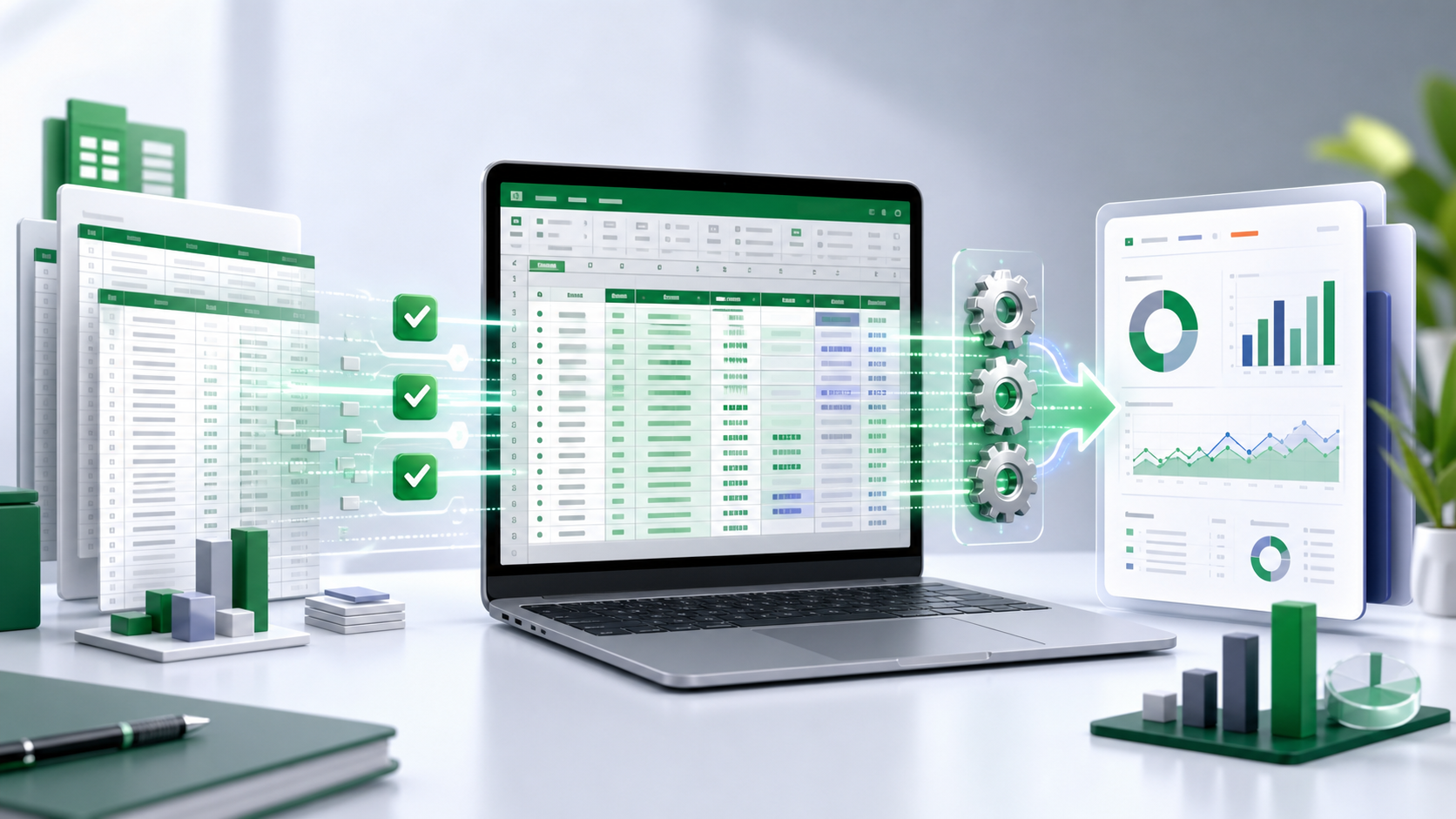
Excel Automation Guide
ERP Loan Collection Entry jaise repeat hone wale data-entry work ko clean Excel data, validation aur controlled automation se fast aur reliable banayein.
Excel Automation Visual
Activity Type aur Excel data se ERP entry automation ko step-by-step samjhein.
Excel automation workflow
Automation se pehle business rules aur expected output ko clearly define karna sabse zaroori hai.
Roz repeat hone wale clicks, calculations aur entries list karein.
Fixed columns, data types aur mandatory fields define karein.
Blank, duplicate, invalid date aur amount errors detect karein.
Verified data ko target report ya software process mein use karein.
Failed rows ko reason ke saath alag karke correct karein.
Source totals aur final output compare karke audit copy save karein.
Common problems
Automation support
File merging, data cleaning, reports aur repetitive software entry ke liye custom automation discuss karein.
WhatsApp kareinDisclaimer: Yeh independent educational aur automation support page hai. Official portal instructions aur apne organisation ki data policy ko priority dein.